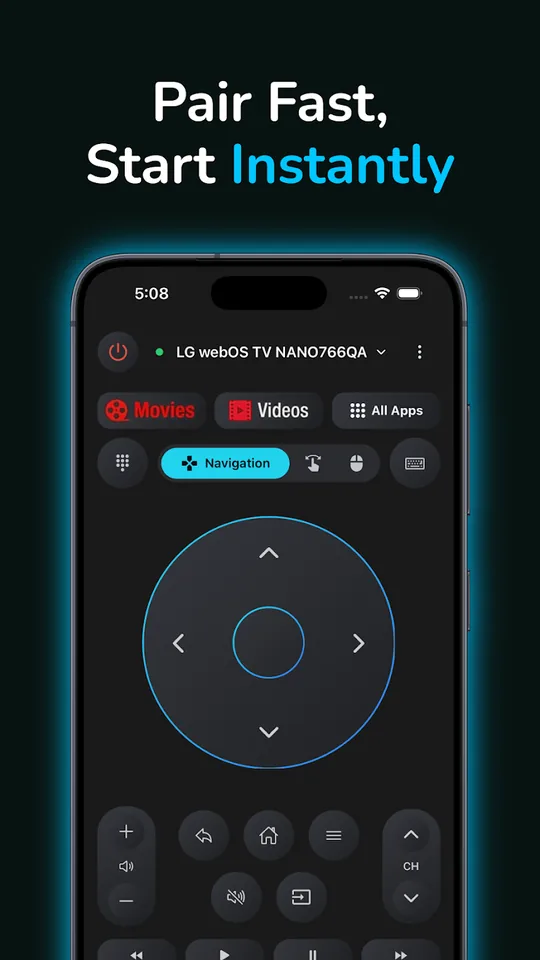

Any TV Remote Control
Universal remote for Smart TVs and TV boxes
- iPhone
- Android
Navigate, type with a keyboard, use voice search, launch apps, switch inputs and cast photos & videos — over Wi-Fi, or via IR on Android phones with a blaster.
Any TV. Every screen.
Apps that connect your phone and your VR headset to any Smart TV over Wi-Fi — control it, mirror to it, cast photos & videos to it. Free to use. No ads. No account.
Each app is built for one job and one kind of device.
Universal remote for Smart TVs and TV boxes
Navigate, type with a keyboard, use voice search, launch apps, switch inputs and cast photos & videos — over Wi-Fi, or via IR on Android phones with a blaster.
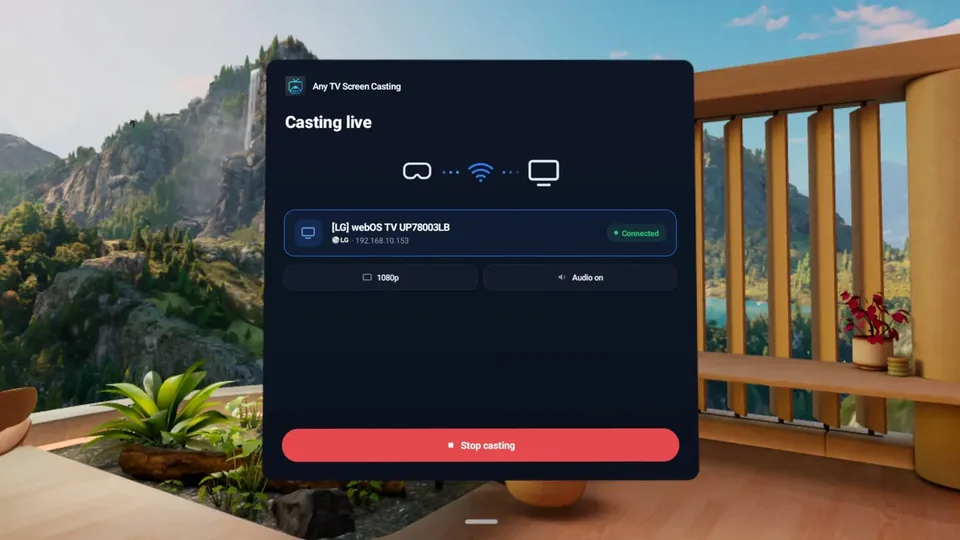

Mirror your VR headset to the TV
Wirelessly mirror what you see in the headset — with audio — so everyone in the room can watch your VR gameplay in real time. No dongle, PC or phone needed.
Supported brands and model years vary by app — see each app's page for details.
The same principles in every app we make.
Your devices talk to the TV directly on your home network. Nothing is streamed through our servers.
Free basics in every app, with optional paid upgrades. Never a banner, never a video ad.
Install, pick your TV and go. No sign-up, no email, no hub hardware.
One small team behind every app. Email us and a person who wrote the code answers.