 Any TV Screen Casting
Mirror Your Phone & Cast to Any TV
Screen mirroring, photo & video casting and music for your Smart TV, wirelessly over your home Wi-Fi. Pick your TV, then choose what to show: your whole screen, your gallery or your music.
 Coming soon to App Store
Works with Google Cast, AirPlay & DLNA TVs
- Samsung
- LG
- Sony
- TCL
- Hisense
- Vizio
- Google TV
- Chromecast
And many other Smart TVs and streaming devices. Available features depend on your TV model; some older TVs are not supported yet.
One app for your screen, your gallery and your music
Show holiday pictures, watch a family video, share a presentation or turn the TV into a speaker.
Screen Mirroring
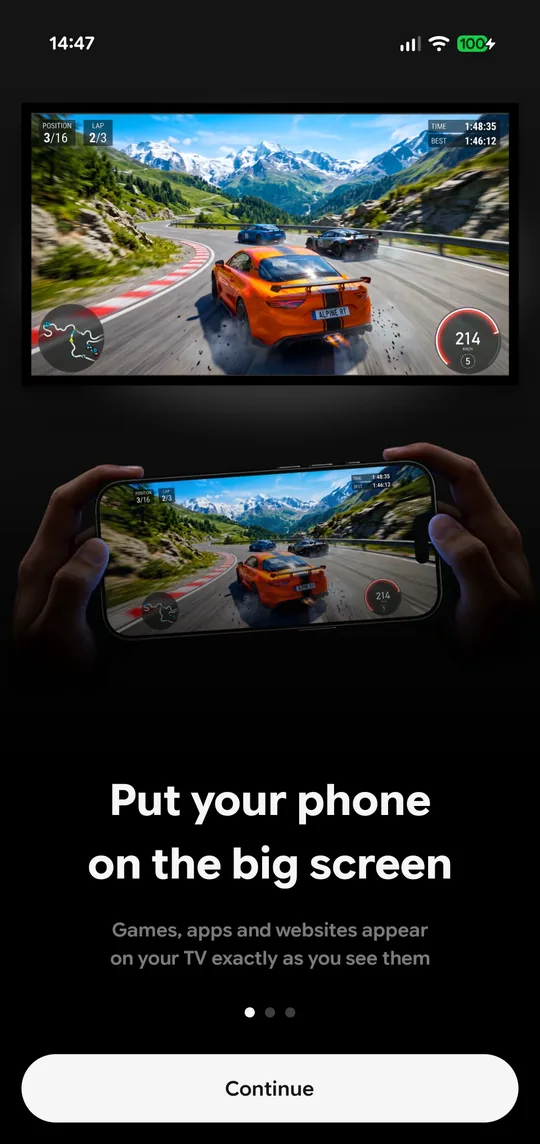
Show your whole phone screen on the TV in HD or Full HD. Play games, show apps, browse websites and present on the big screen.
Device Audio
Optionally send your phone's sound along with the picture, where your phone and TV support it.
Photos & Videos
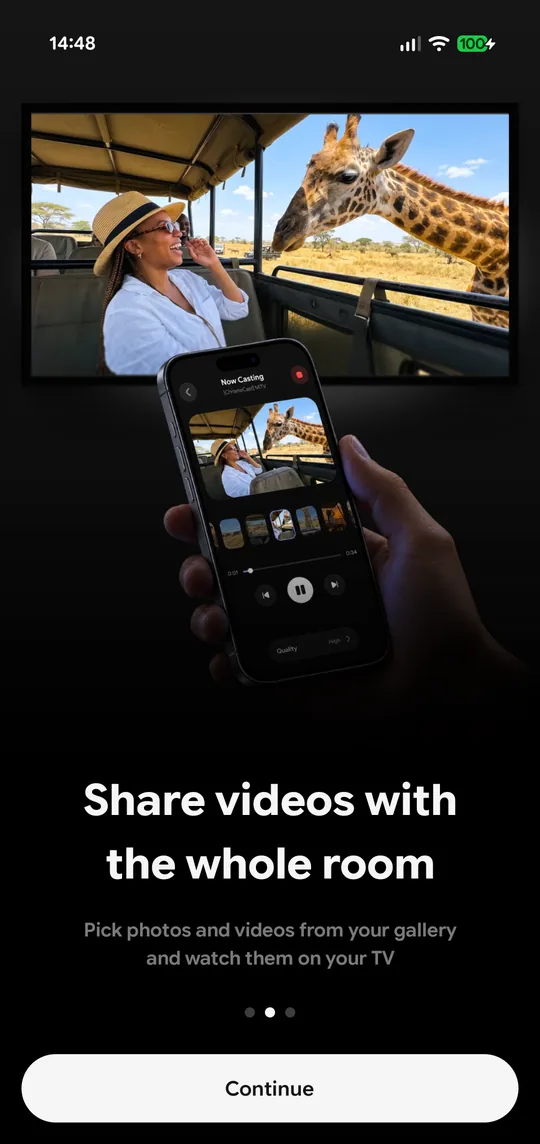
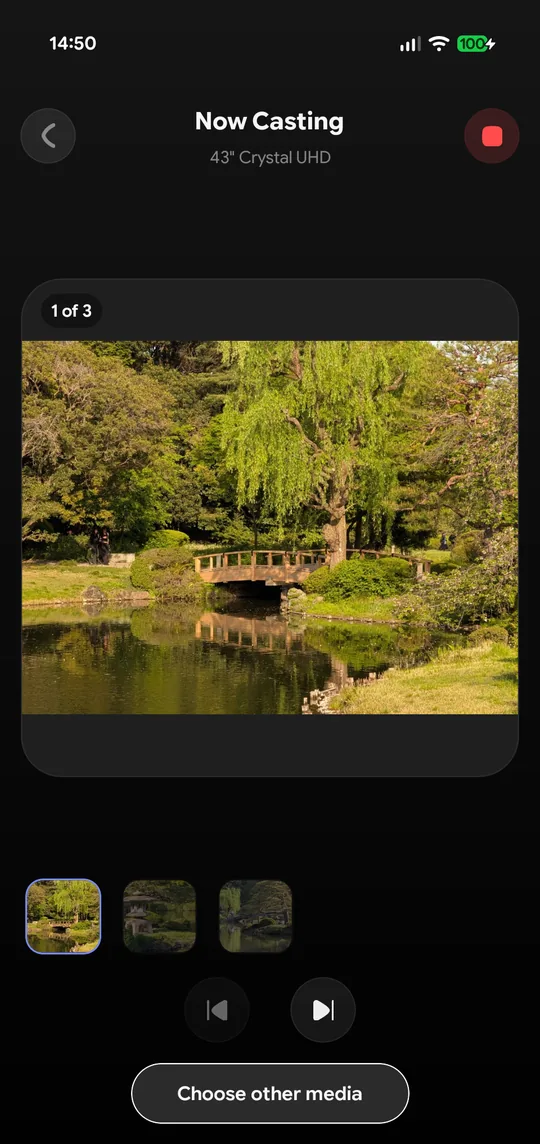
Cast straight from your gallery. Select several at once, flip through them on the TV, and play, pause and seek videos from your phone.
Music on Your TV
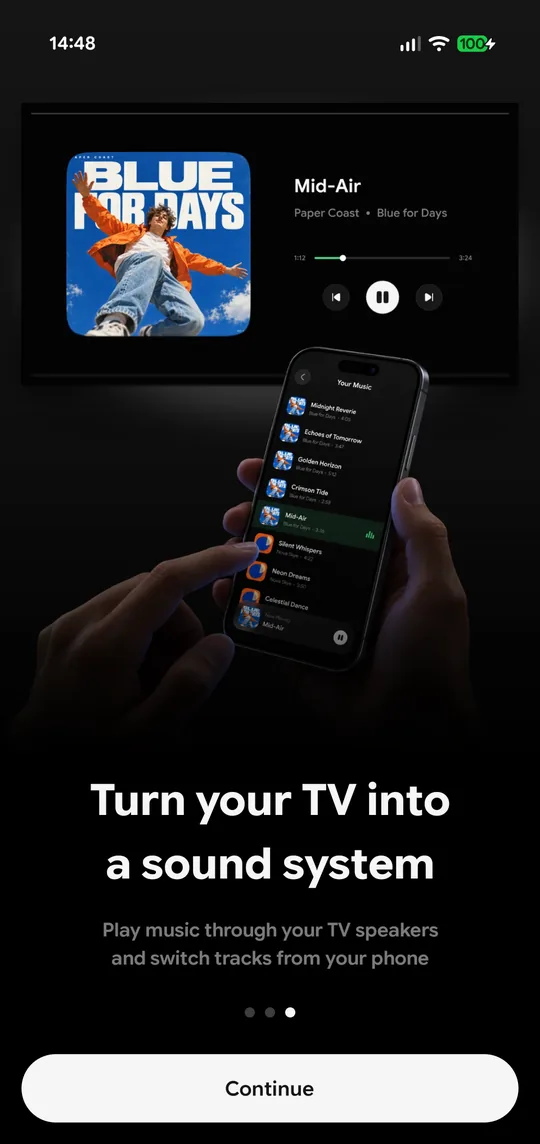
Play songs from your music library or audio files through the TV speakers. Browse by album, artist or folder.
Automatic TV Discovery
Open the app and the TVs on your network appear in the list. Pick yours and start casting.
No Cables, No Dongle
No Chromecast, HDMI cable or account needed. Your phone talks to the casting built into the TV.
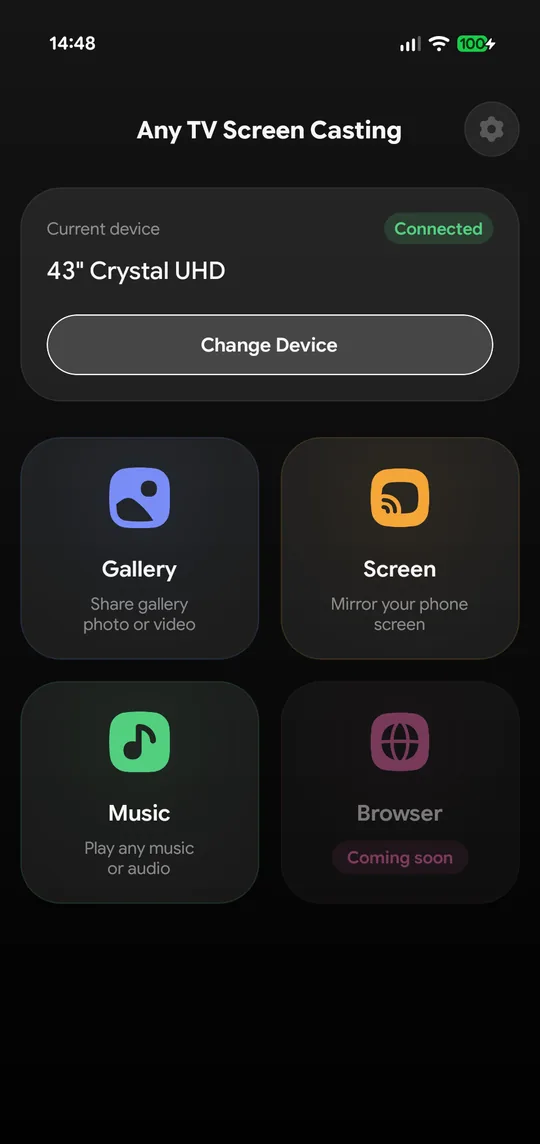
Three ways to share, a tap away
Screen, Gallery or Music: pick one and you are on the big screen.
Casting in a few steps
No account, no cables, nothing to install on the TV.
One Wi-Fi for both
Connect your phone and your TV to the same Wi-Fi network.
Pick your TV
Open Any TV Screen Casting and select your TV from the list.
Choose what to show
Screen, Gallery or Music. Some TVs ask you to confirm the connection or enter a PIN the first time.
Enjoy it together
Control playback from your phone while everyone watches on the big screen.
Frequently asked questions
Which TVs can I cast to?
Smart TVs and streaming devices with Google Cast, AirPlay or DLNA, including many Samsung, LG, Sony, TCL, Hisense and Vizio TVs, Google TV and Chromecast. Some older TVs are not supported yet.
Why can I cast photos but not mirror my screen?
Screen mirroring needs a TV with Google Cast or AirPlay. Some TVs, often older models, only support DLNA, which plays photos, videos and music but not a live screen.
Is there an iPhone version?
The iPhone version is coming soon to the App Store. Today Any TV Screen Casting is available for Android phones on Google Play.
Is this the same app as Any TV Screen Casting for Meta Quest?
No. They share a name, but this app is for phones. Any TV Screen Casting for Meta Quest is a separate app for VR headsets, available on the Meta Horizon Store.
Do I need a Chromecast, a cable or an account?
No. The app talks to the casting built into your TV over your home Wi-Fi. There is no sign-up, and no extra hardware is needed.
Why is the picture black for some apps while mirroring?
Some apps block screen capture or audio sharing, so protected content such as many paid video services does not appear while mirroring.
My TV does not show up. What can I do?
Turn the TV on and connect it and your phone to the same Wi-Fi network. Turn off any VPN on the phone, then search again. Some TVs ask you to confirm the connection or enter a PIN the first time.
Put your phone on the big screen
Download Any TV Screen Casting: free, no ads, ready in seconds.
Coming soon to App Store