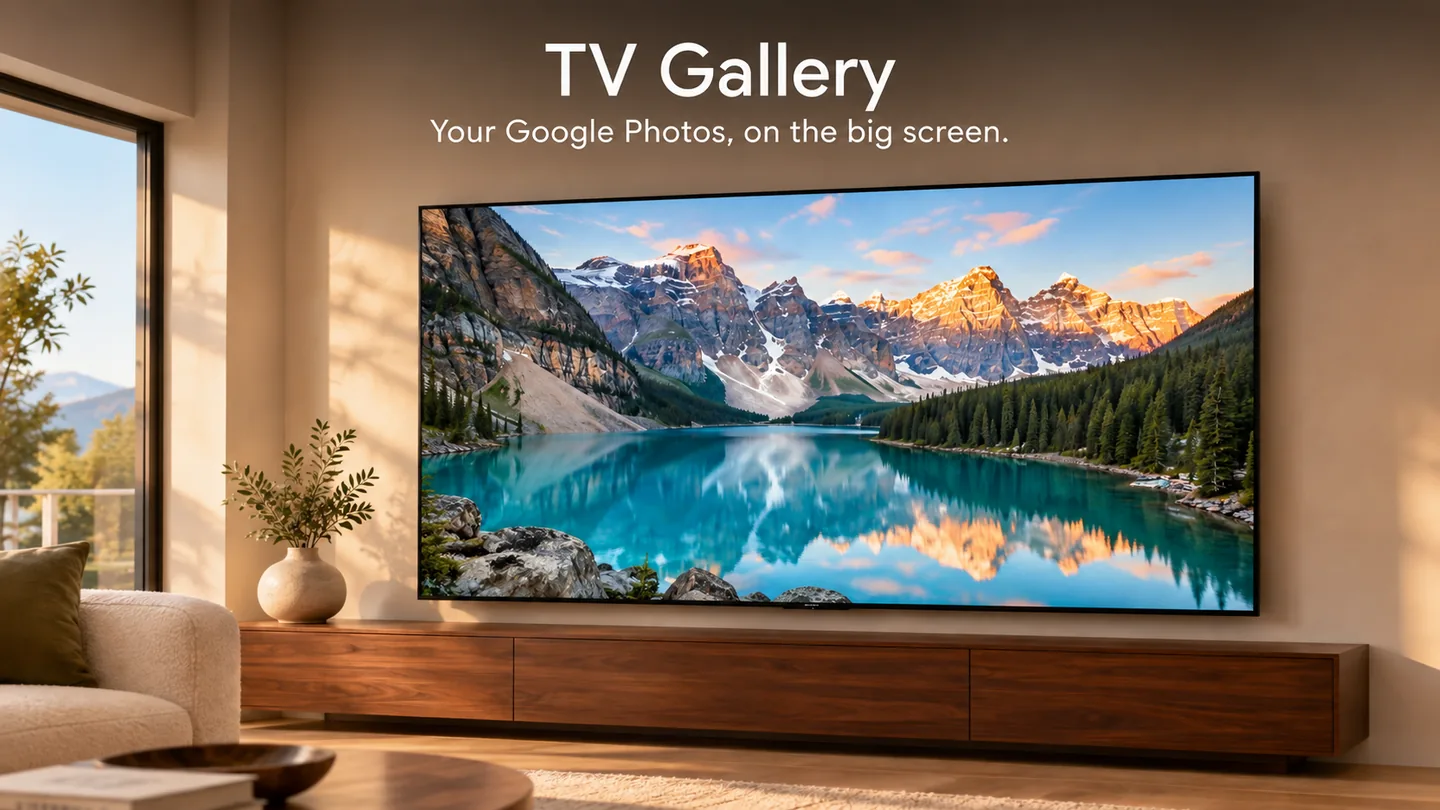
Your Google Photos, on the big screen
TV Gallery turns your Smart TV into a living photo frame for the Google Photos albums you choose. Pick albums on your phone — your TV shows a beautiful, full-screen slideshow of those photos. Nothing more, nothing else.

How it works
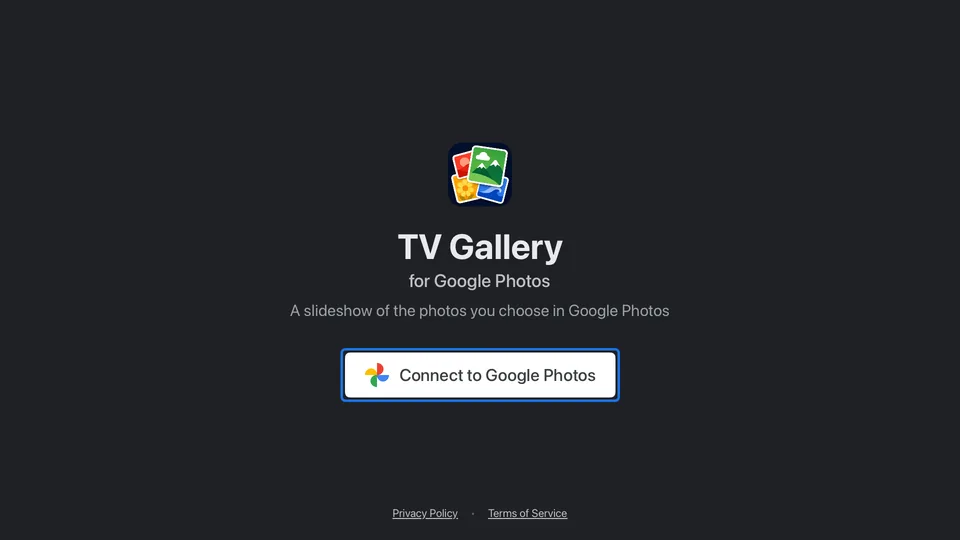
Connect your Google account
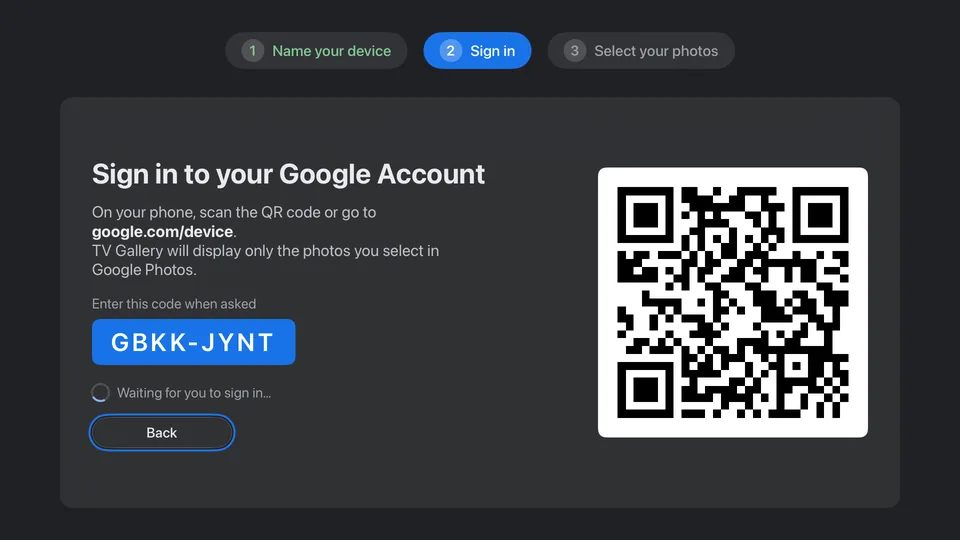
Open TV Gallery on your TV and scan the QR code with your phone (or visit google.com/device and enter the short code). You sign in on Google's own pages, and Google's consent screen shows you exactly what the app is asking for before you approve anything.
Choose what to show
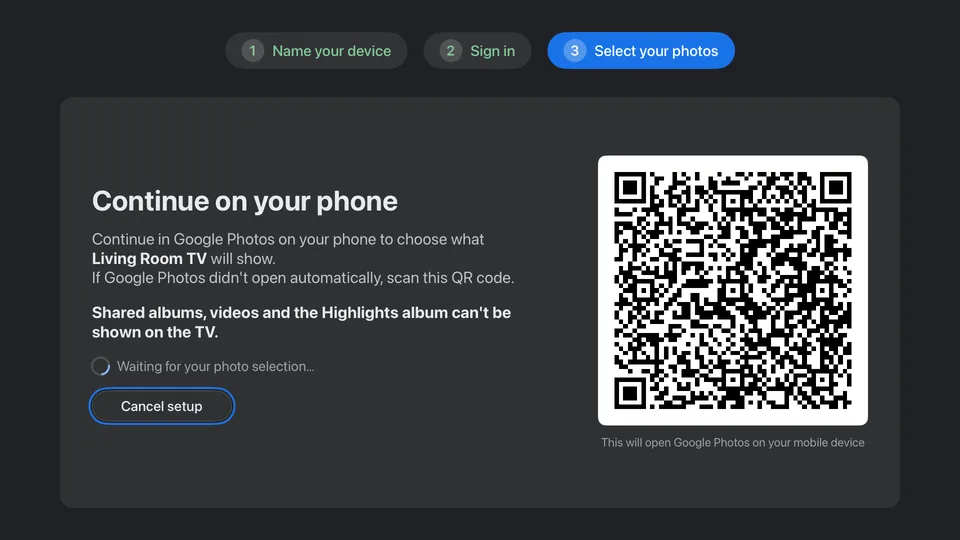
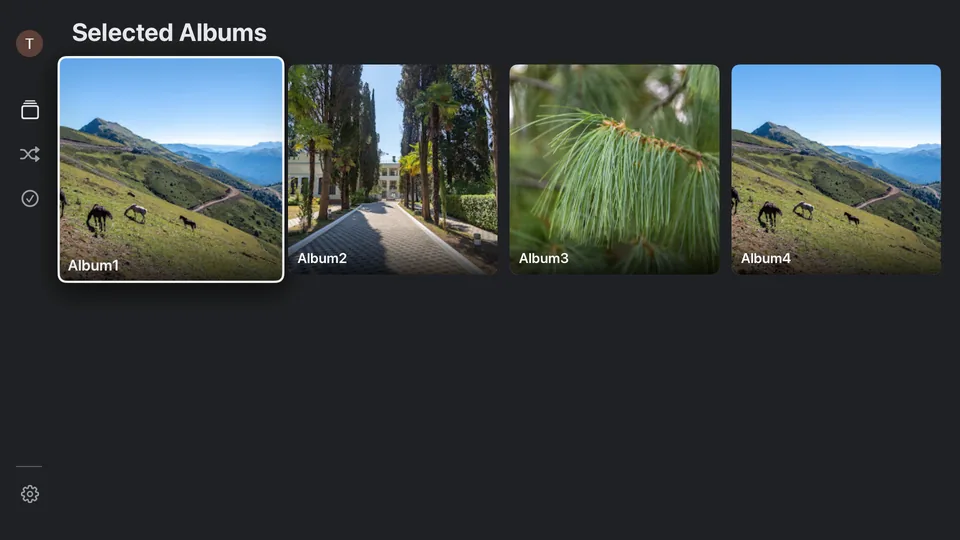
Pick the albums you want on the TV right in the Google Photos app on your phone. The TV lists your chosen albums live and waits for you to confirm. Only what you select is ever available to the TV — never your whole library.
Enjoy the slideshow
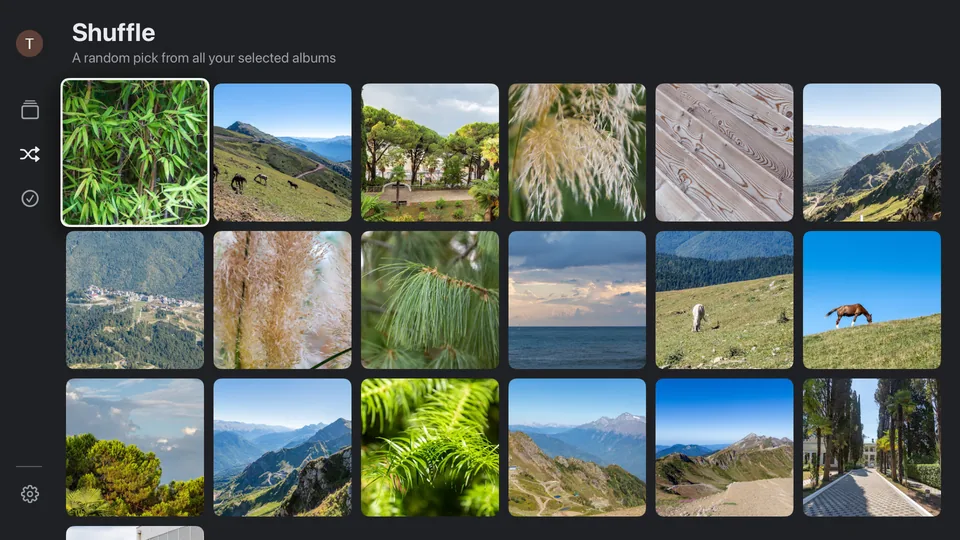
Your photos crossfade full-screen with no clutter on top. Browse the Selected Photos grid or open a single album, change the slideshow speed, and step through pictures with the remote.
Change your mind anytime
Update the album selection from Settings whenever you like, or disconnect with one click — the app tries to remove the TV's Google Photos device entry and asks Google to revoke the account's access for the entire TV Gallery project.
See it on the TV
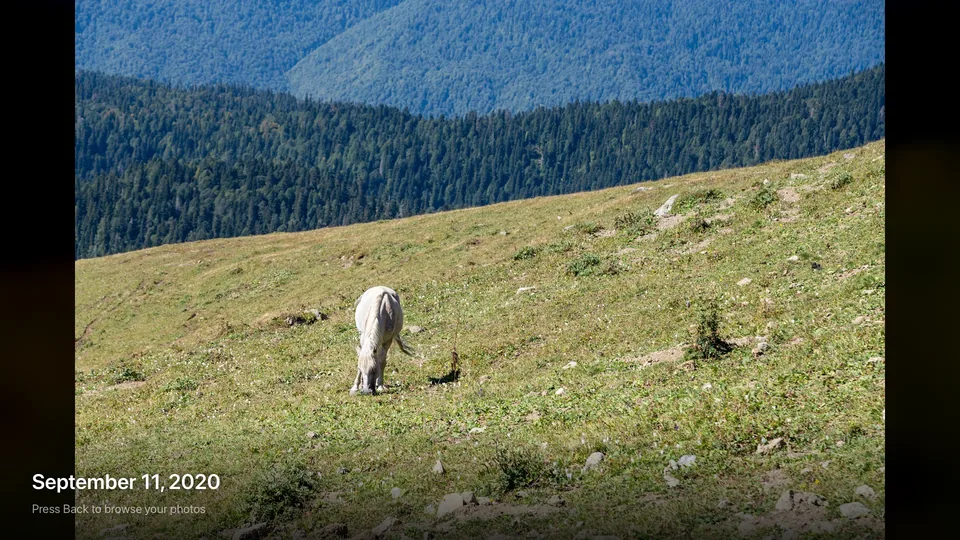
From sign-in to slideshow, everything is a few presses of the remote away.
Your Google data, in plain words
TV Gallery is built to show your photos on your TV — and to do nothing else with them.
What the app requests
Read-only access to the photos and albums you explicitly select for this TV in Google Photos, and your basic profile (name and profile picture) so the TV can show which account is connected. The app cannot see the rest of your library and cannot change, delete, or share anything in your Google Photos.
How it is used
Selected photos are fetched from Google and displayed on your TV screen. Your name and picture appear only in the TV's settings menu. That is the entire use of your Google data — no other purpose, ever.
What we never do
Your photos and sign-in tokens are never stored on our servers — credentials live only on your TV, and photos go from Google straight to your screen. No ads, no selling data, no use of Google Photos data for analytics. The app uses Google Analytics for basic app usage, as described in our Privacy Policy.
You stay in control
Disconnect from the TV's Settings at any time — the app tries to remove the device and asks Google to revoke the account's access for the entire TV Gallery project. You can also revoke access from your Google Account permissions page or manage the device in Google Photos.
TV Gallery's use of information received from Google APIs adheres to the Google API Services User Data Policy, including the Limited Use requirements. Read the full Privacy Policy for details.
Bring your albums to the big screen
Download TV Gallery for Google Photos on your Apple TV, Android TV, Google TV, Fire TV or Roku.